🍅 tomato - behavioral testing toolkit


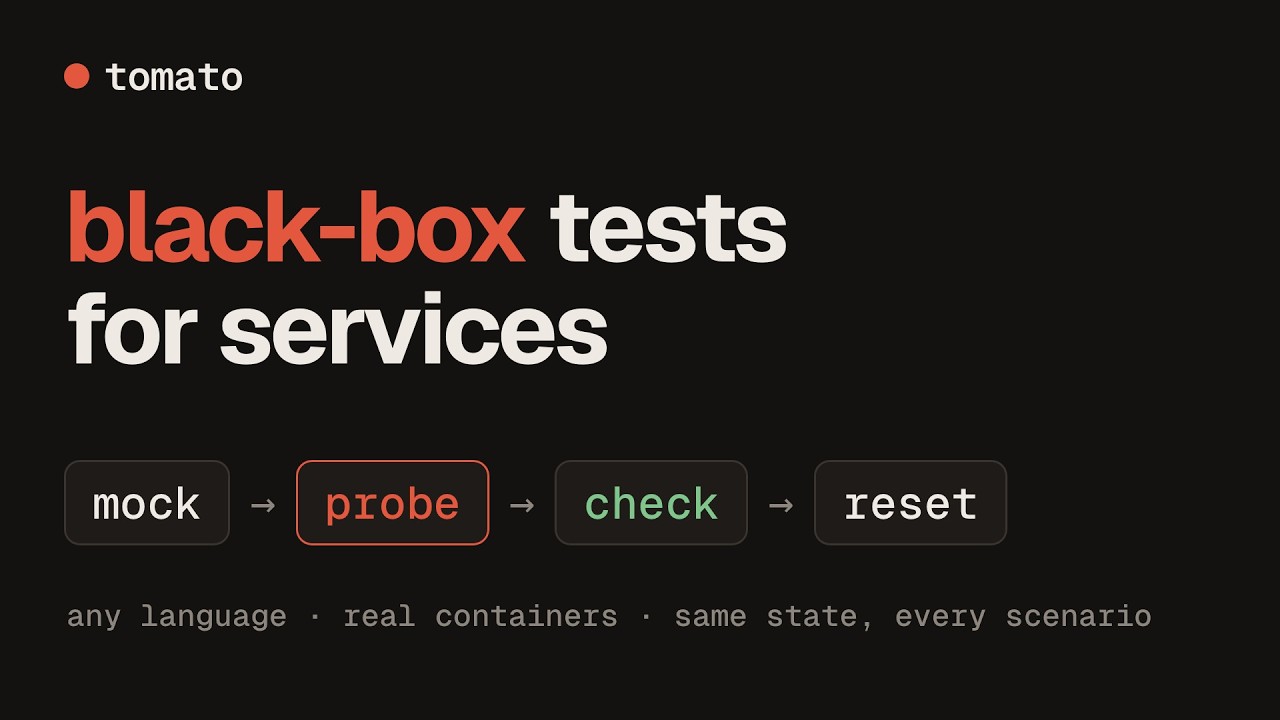
▶ Watch the one-minute introduction
Tomato is a language-agnostic behavioral testing framework that manages your test infrastructure automatically.
Features
- Built-in Container Orchestration - Automatically manage test containers with Testcontainers
- Clean State Testing - Every resource is reset before every scenario for reliable, isolated tests
- BDD/Gherkin Support - Write tests in plain English using Cucumber syntax
- Multiple Resource Types - HTTP client (with Server-Sent Events) and server, gRPC client and server, PostgreSQL, ScyllaDB/Cassandra, Redis, Kafka, RabbitMQ, S3, WebSocket client and server, Shell, a browser that uses the web UI in a real Chromium, and PDF documents the application generates
- Presets -
preset: kafkainstead of a page of listener config, with MSK-styleAWS_MSK_IAMauthentication on the stock apache/kafka image - AWS identity - an
awsresource gives the app IRSA against an STS tomato serves - Avro + Schema Registry - Publish and assert Kafka Avro messages as plain JSON
- Web UI -
tomato uibrowses the suite, draws each scenario's flow and the topology of what it touches, runs scenarios from the browser and plays a run as a film: the dependencies and the app coming up, every scenario over the topology, then the report - CI Reports - JUnit XML and Cucumber JSON alongside console output
- Step Coverage -
tomato coveragereports which resource steps your features use, with--minto gate CI - Auto-generated Documentation - Keep step docs in sync with code
- Application Runner - Start your app connected to test containers
Installation
Quick install (recommended)
Homebrew
GitHub Actions
See GitHub Action documentation for all options.
Go install
From source
Requires Go 1.26 or later.
git clone https://github.com/tomatool/tomato.git
cd tomato
go build -o tomato .
sudo mv tomato /usr/local/bin/
Upgrading
Quick start
tomato init      # Initialize a new project
tomato validate  # Check tomato.yml and the feature files before running
tomato run       # Run behavioral tests
tomato ui        # Browse, visualize and run the suite in a web UI
tomato steps     # List available steps
tomato coverage  # Which steps your features use
Documentation
For complete documentation, visit tomatool.github.io/tomato
- Documentation Map - every page on one screen
- Getting Started
- Writing a Suite - how to write scenarios worth trusting
- GitHub Action
- Configuration Reference
- Step Reference
- Architecture
- Stability and versioning - what is covered by semantic versioning, and the deprecation policy
Coming from tomato v1? v2 is a rewrite, not an upgrade in place: see
Migrating from v1. The
v1 branch no longer receives updates.
Contributing
See CONTRIBUTING.md for development setup and how to add steps and resources, and MAINTAINERS.md for who reviews and how to join.
License
Tomato is open source under the MIT License.